

Interactive flight decks for aircraft and helicopters, compatible with Microsoft Flight Simulator, Prepar3D, and X-Plane (with some limitations).
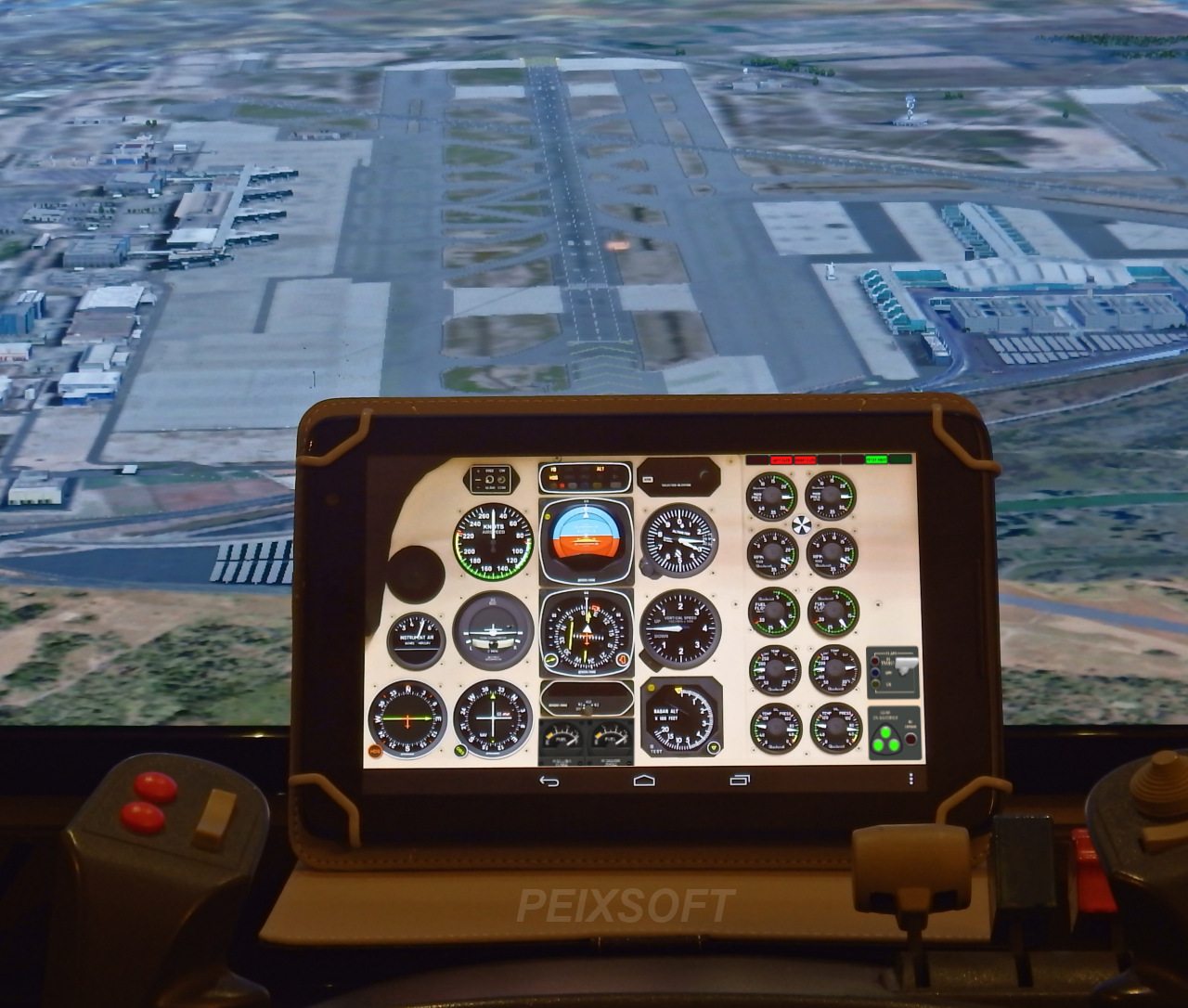
Instruments can be adjusted with simple touch gestures, featuring smooth, fluid animations for a realistic experience. By offloading the instruments to your tablet, you can remove the on-screen cockpit and enjoy a full, unobstructed view of the scenery.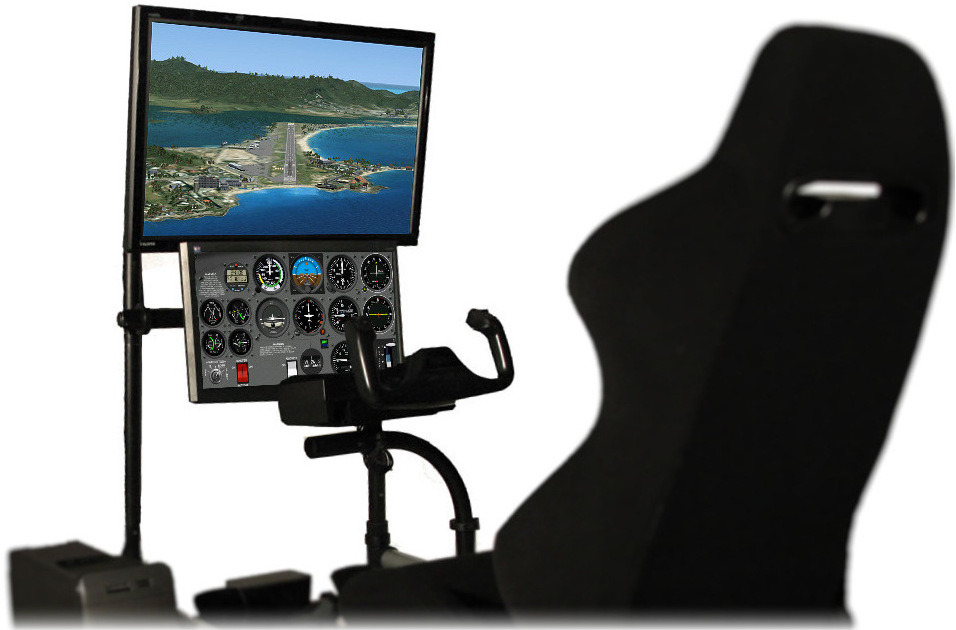
Available models

- Cessna 172
- Cessna 182
- Beechcraft Baron 58
- Beechcraft King Air C90 (X-Plane)
- Beechcraft King Air 350 (MSFS)
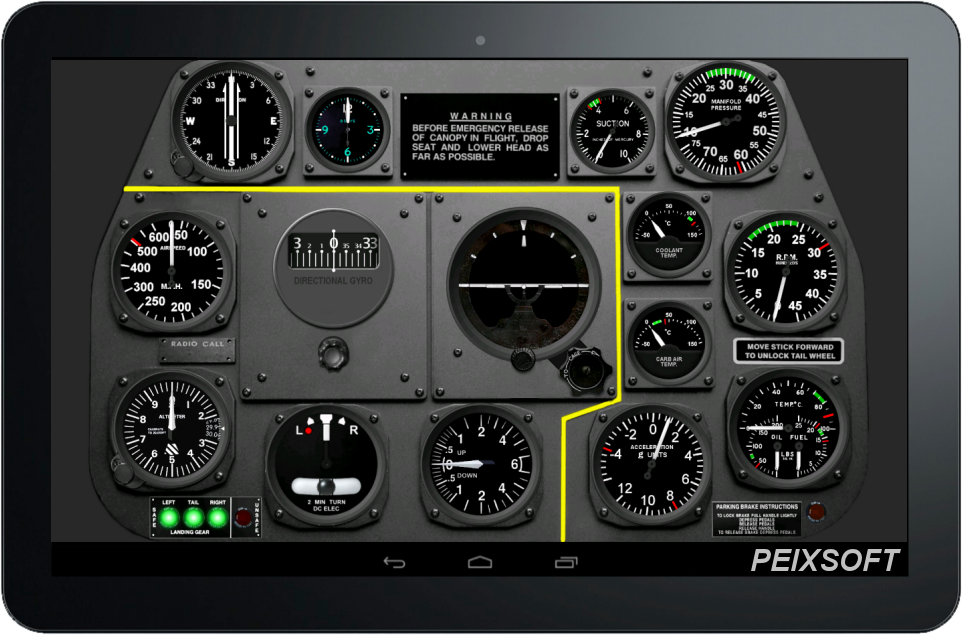
- North American P-51D Mustang
- Robin DR400
- DHC-6 Twin Otter
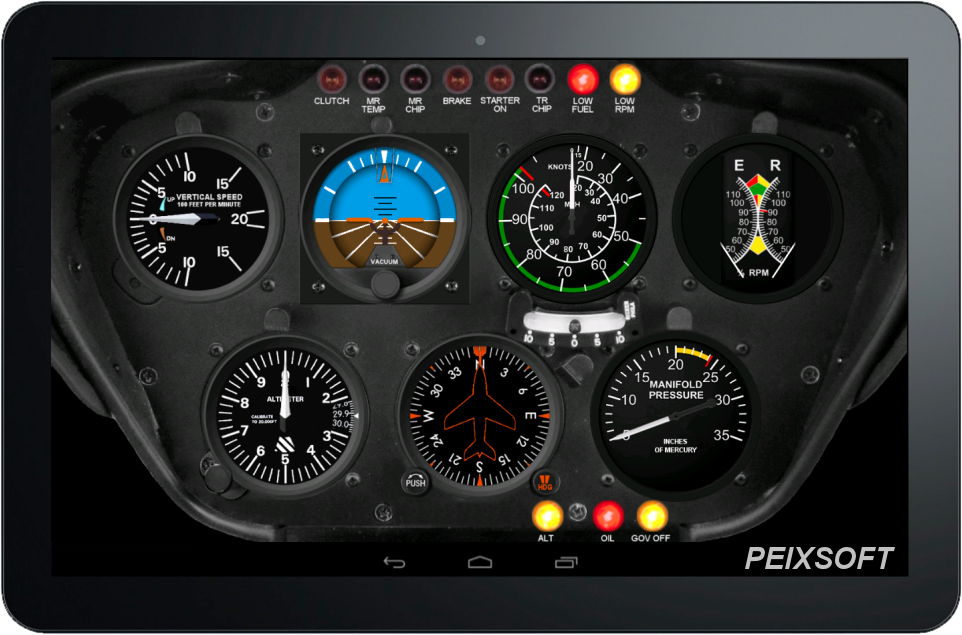
- Bell 206B JetRanger
- Robinson R22 Beta
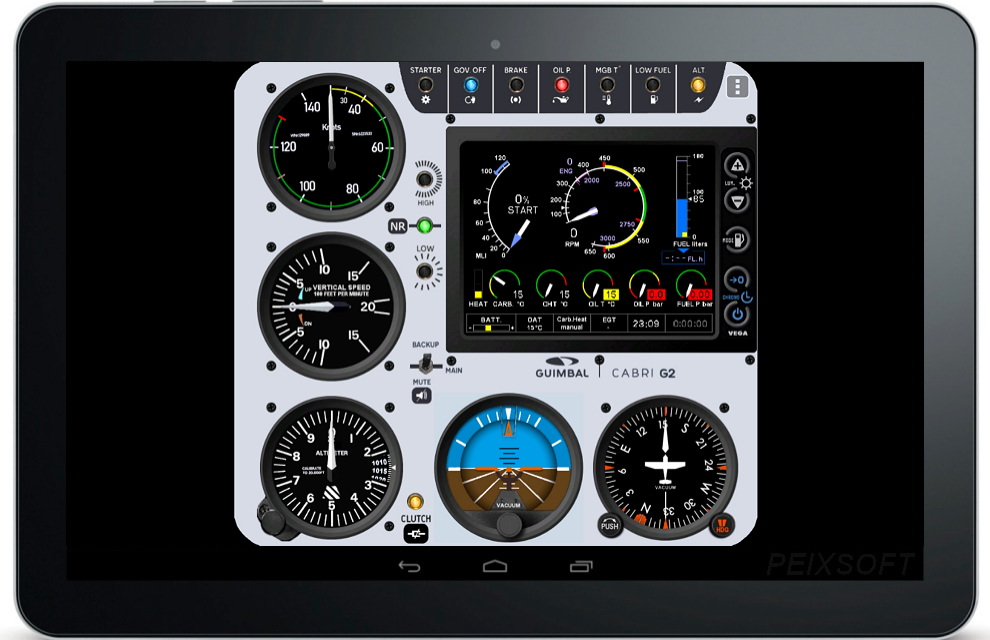
- Guimbal Cabri G2 (*)
(*) Note about Guimbal Cabri G2: The behavior and colors of the indicators are based on the real helicopter, and not so much on the MSFS version.
Screenshots
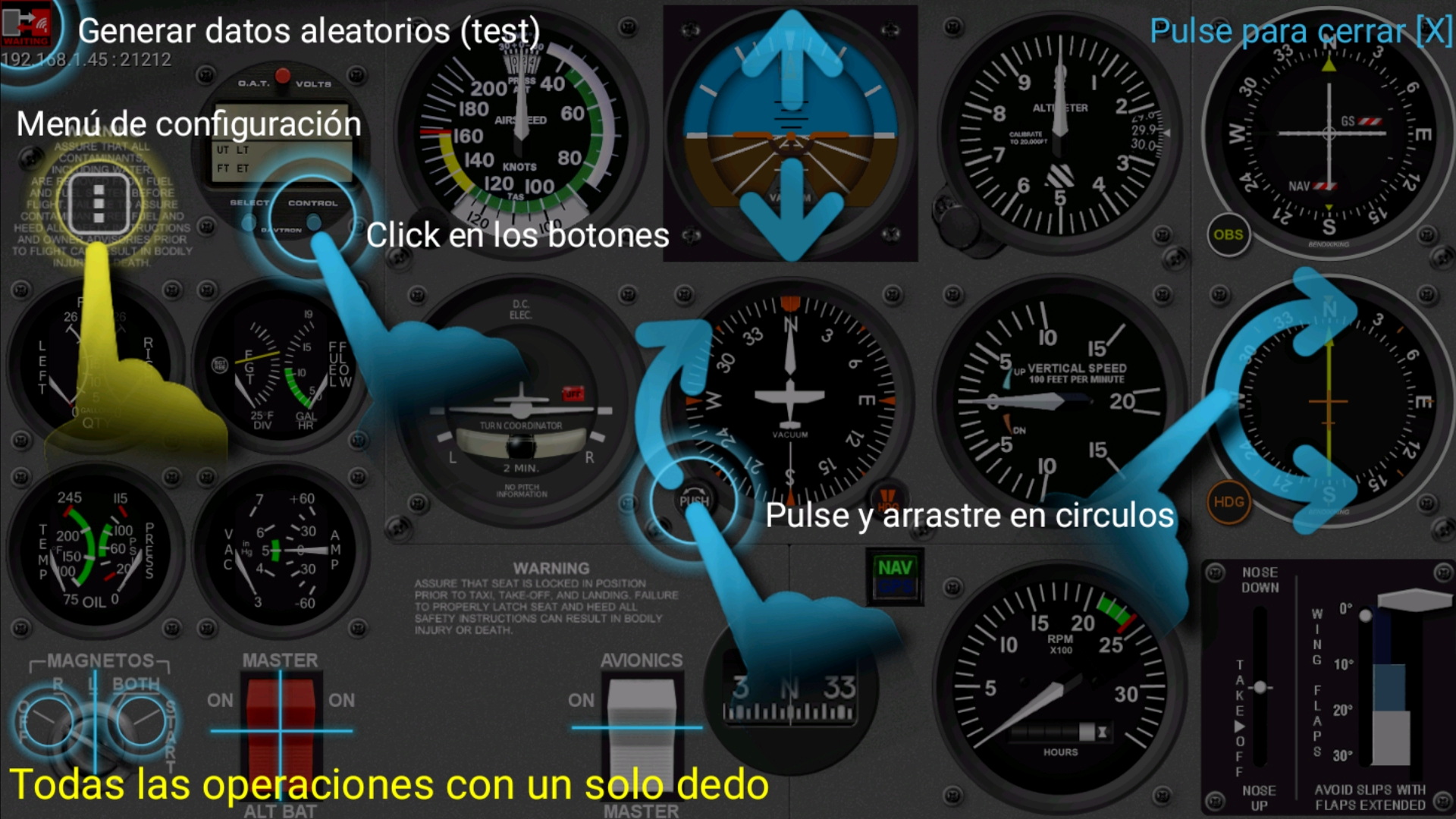
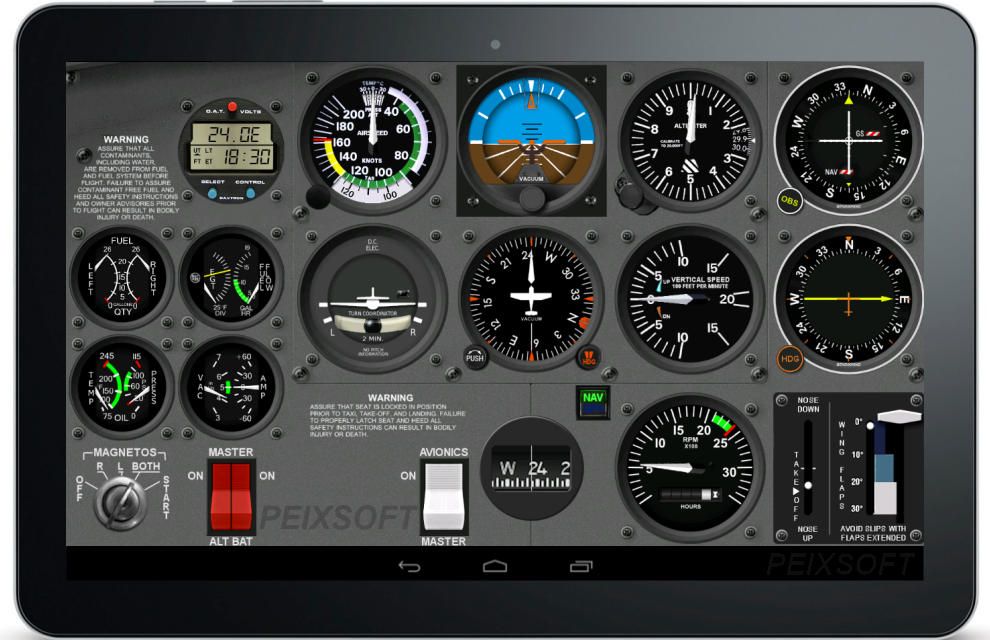
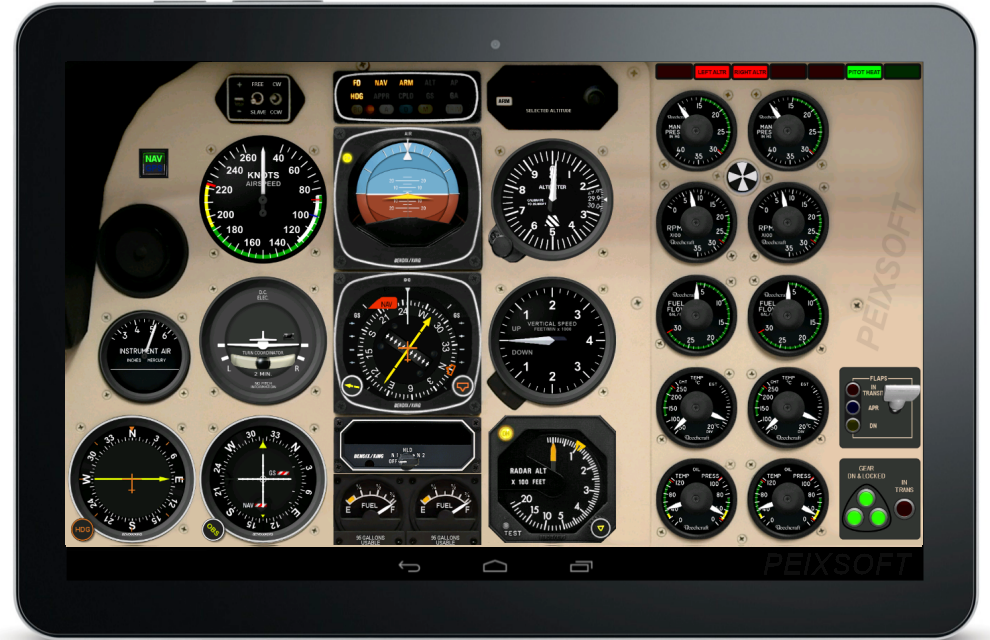
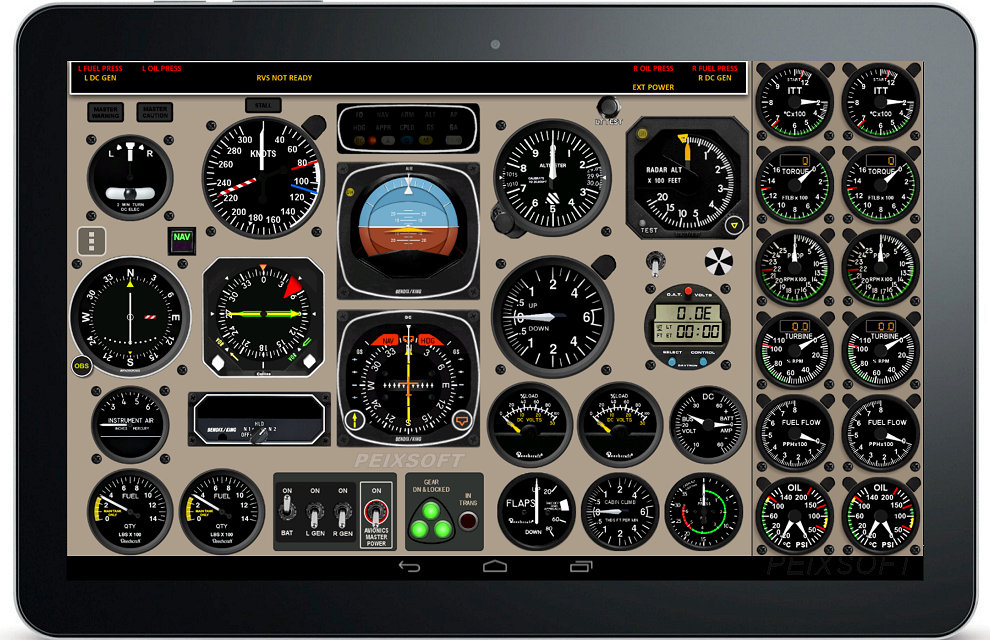
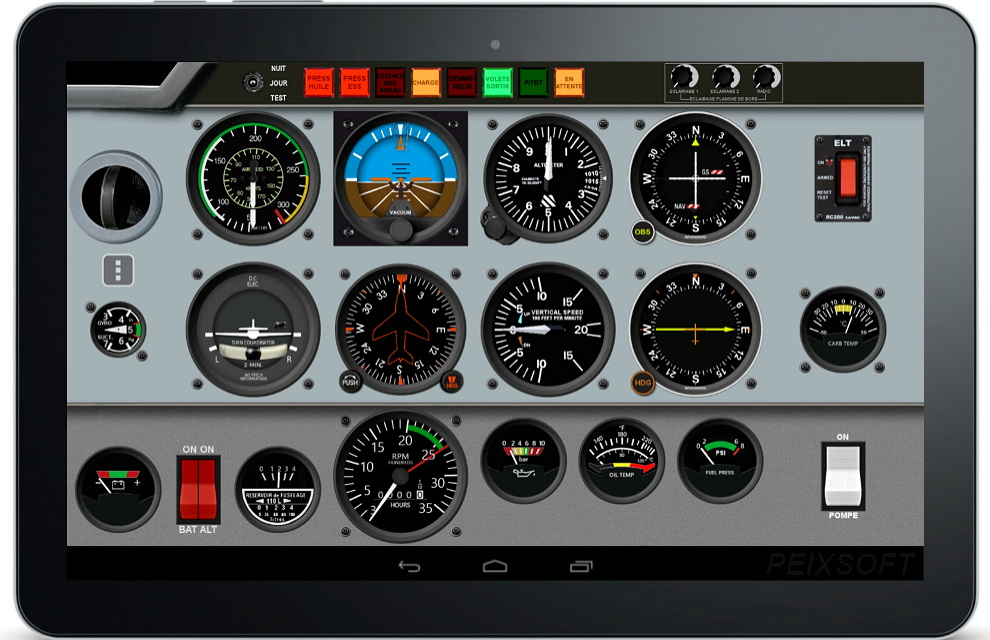
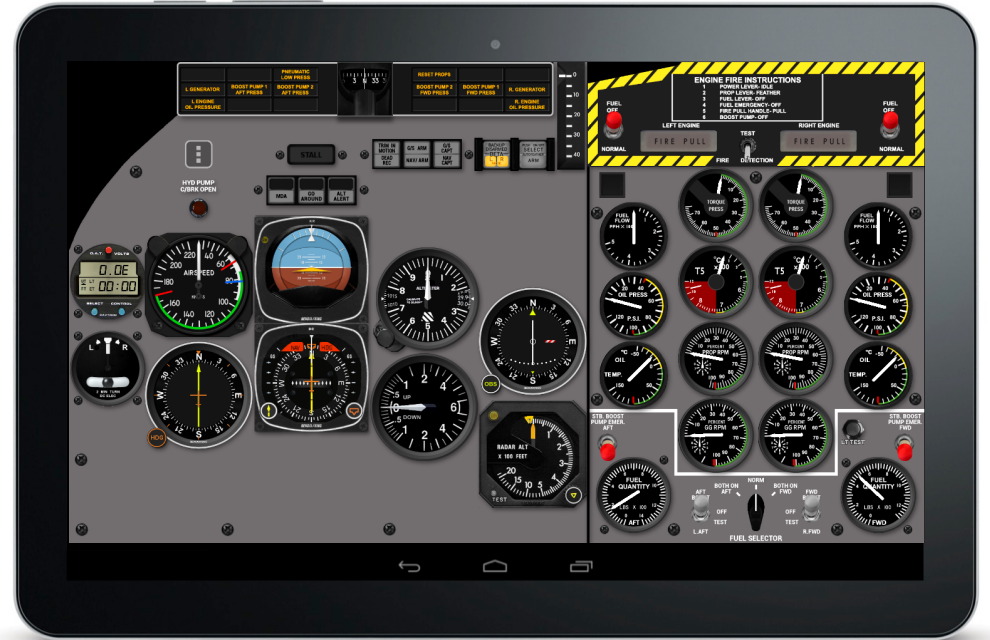
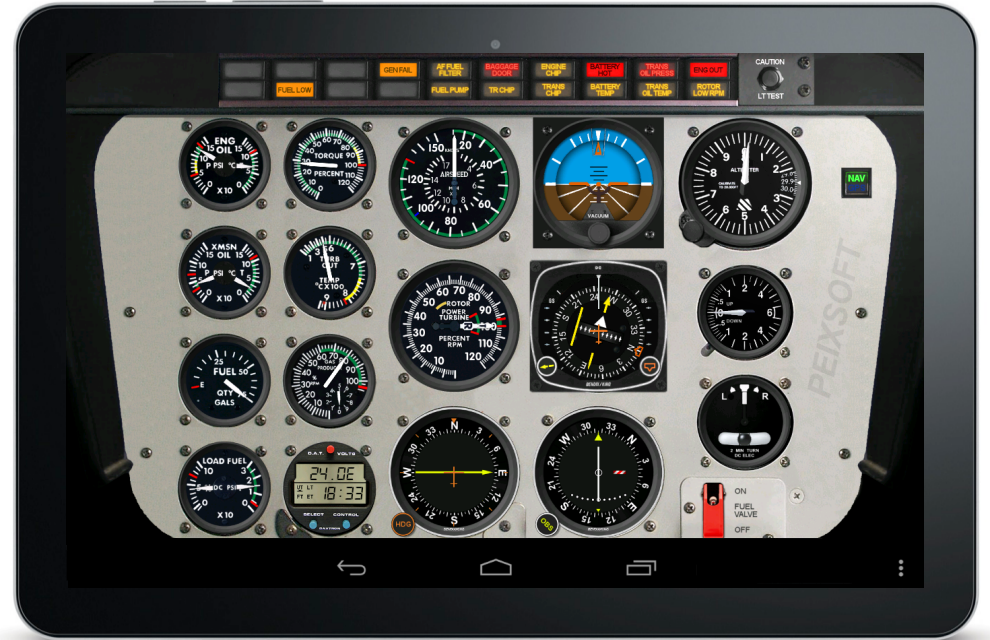
Required extra downloads
Note: This is not a standalone app. It functions as an external instrument panel and requires a connection to a flight simulator (MSFS, P3D, or X-Plane) via WiFi to function.
The free applications FSUIPC and PeixConnect must be installed on the simulator computer for use with MSFS/P3D, which serve as the interface between your PC and Android devices..
Click next links for detailed steps and required downloads:
– Use with Flight Simulator / Prepar3D
– Use with X-Plane
For highest performance and battery saving you can hide the photorealistic image and display only the instruments.
Trial mode / Full version
The trial version is fully functional for sessions of 20+ minutes, giving you a comprehensive hands-on experience before you decide to purchase the full license. After the trial period ends, a purchase option will appear to unlock the unlimited version. The app can be purchased at any time using the options menu.
User manual
Release notes
Download

Available for Android 7 and above. Get it on Google Play
Examples of use
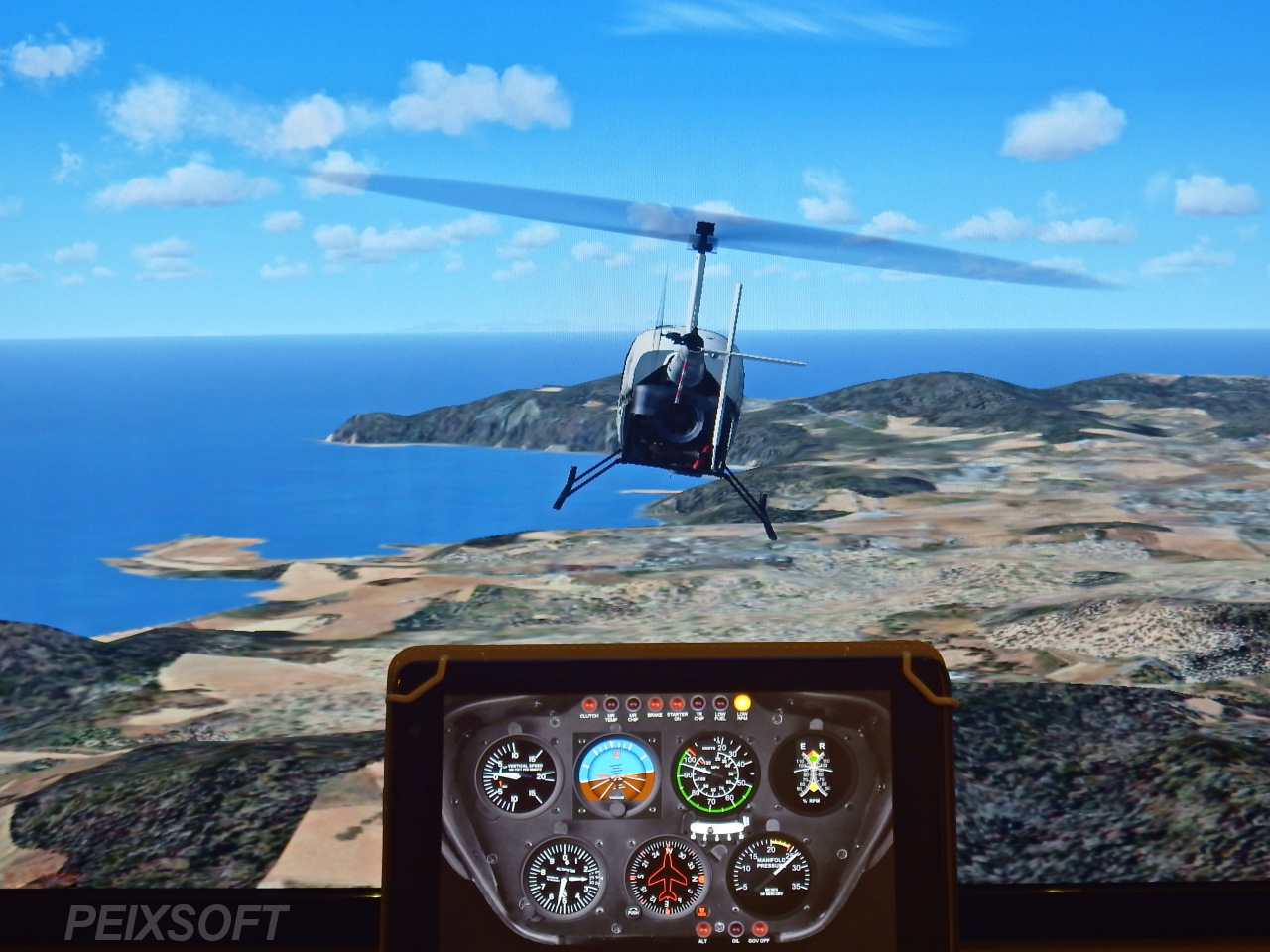
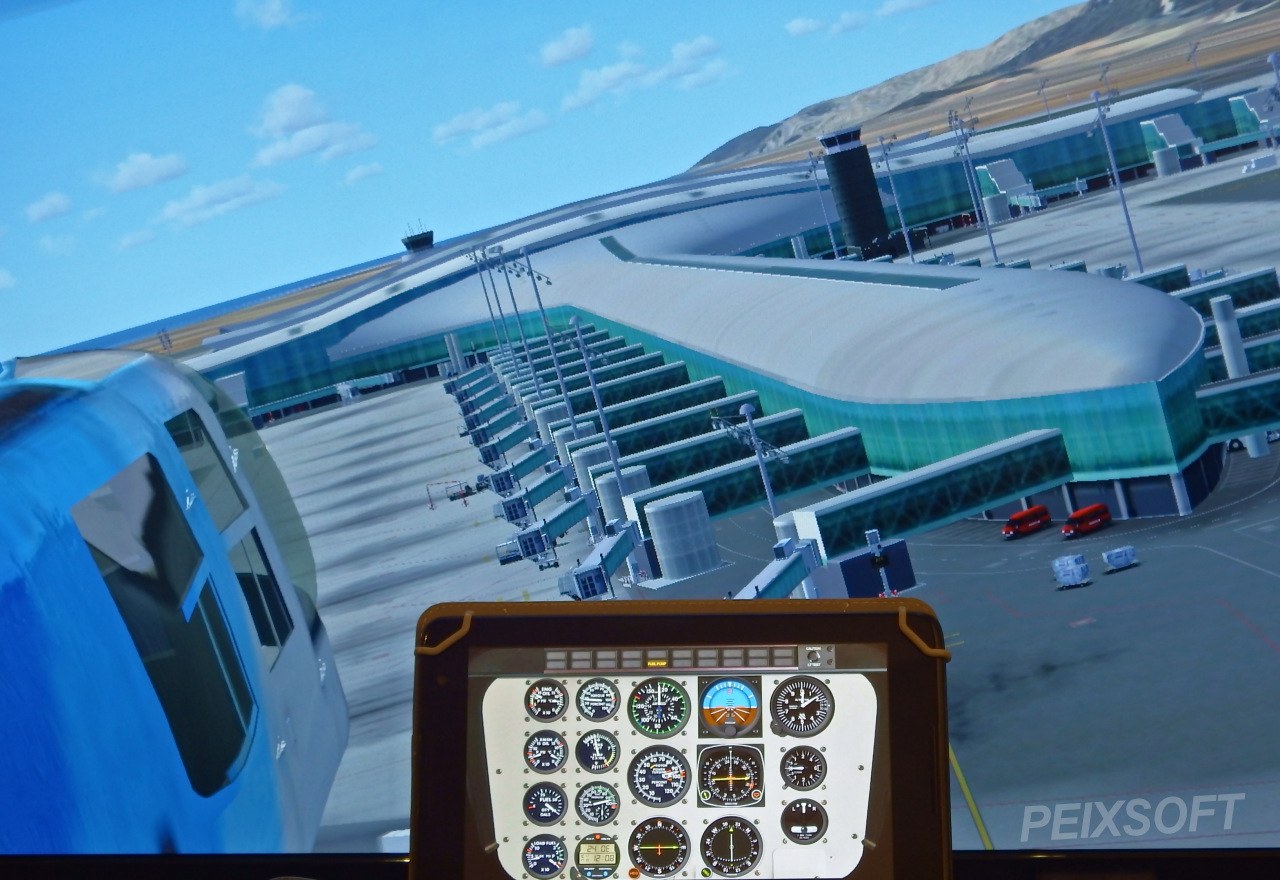
⚠️ Compatibility Notice: Microsoft Flight Simulator 2024
Anomalous behavior and inconsistent data delivery have been detected originating from MSFS2024. These errors in the data output via FSUIPC affect the application’s accuracy and may cause interface malfunctions.
Please be advised that these issues are internal bugs within the Asobo/Microsoft platform. Until official updates are released to correct how this data is transmitted, my ability to resolve them is limited. Currently, I can only implement temporary “workarounds” that do not guarantee a definitive solution.
Critical issues detected in MSFS2024:
- Main Electrical Bus: In the new 2024 models, the simulator constantly reports 0 volts.
This breaks some of the electrical components.
I’m working on an update that skips these checks so it’ll actually work, even if we lose some simulation accuracy. - Alternators/Generators: The data stream permanently indicates that the generator is inactive, regardless of its actual state in the cockpit.
- Landing Gear Status: The simulator has been found to send a “gear lever up” signal even in aircraft equipped with fixed landing gear.
- For floatplanes, the system does not report the landing gear in transit. As a result, the indicator lights toggle rapidly between retracted and deployed states.
- Fuel tanks are inconsistent, and the fuel valves and selectors are inaccessible: On single-tank aircraft, it’s now sending the data as the Left Tank instead of Centre Tank as always. For multi-tank or multi-engine planes with crossfeed, it’s no longer possible to track the selector position.